
In order to use SenzoAPI, you are required to have a SenzoLive account assigned for a location.
SenzoAPI Key
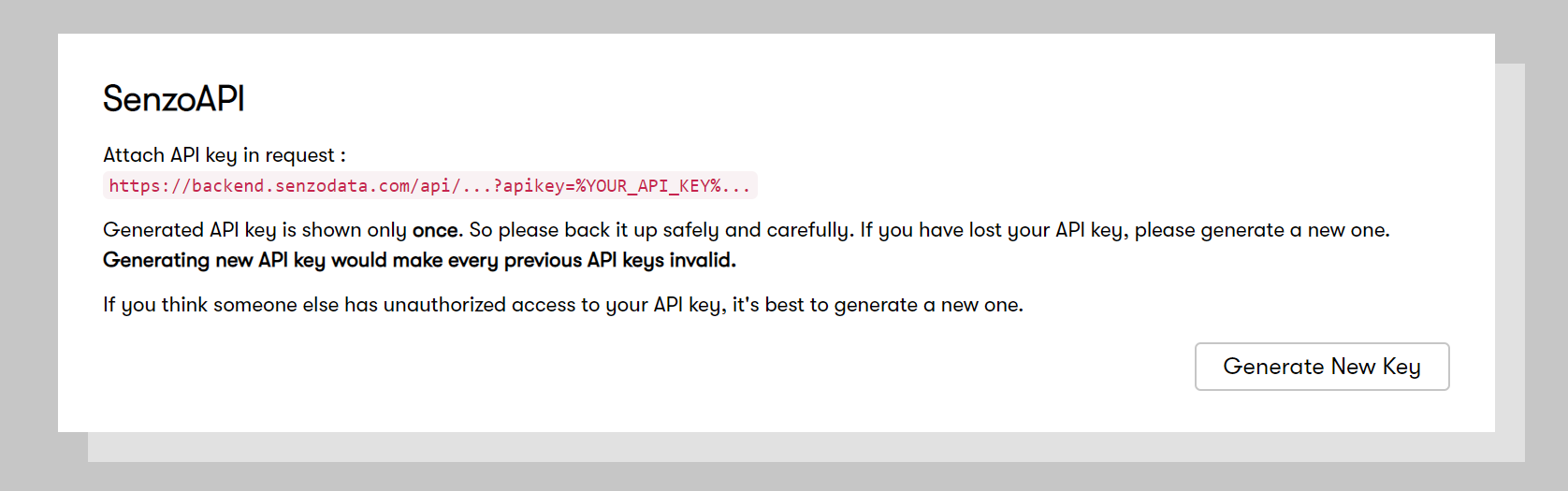
From https://software.senzolive.com/ , go to Settings (top right corner) > SenzoAPI > Generate New Key . Please save the key safely as it will only be displayed once. Generating a new key will unauthorized any older keys.
Base URL
https://backend.senzodata.com/
SenzoAPI Specifications
Please follow the link for requests that you can make with our API.
id (site ID)
- Use [GET /api/user/me] to get rootnodeid of your company.
- User [GET /api/node/structure/$rootnodeid], to get the id of each sub locations inside your company.
OR
- From https://software.senzolive.com/, go to the live site, the id is shown on the address bar.
- For example, with https://software.senzolive.com/#/live/1200, the id is 1200.
Request example
Here is an example to send a GET request for live data of all the sensors in one site.
https://backend.senzodata.com/api/sensor/live/{id}?apikey={YOUR_API_KEY}
Returns
[
 {
 "id": 1200, // this is a sensor_id, to differate from site_id
 "name": "name of sensor",
 "macaddress": "MAC of sensor",
 "xpercent": 26.918918918918923, // x-coordinate of sensor on the floorplan
 "ypercent": 9.22979731160034, // y-coordinate of sensor on the floorplan
 "hidden": false,
 "inuse": true, // check if sensor is in use (occupied)
 "standby": false, // check if sensor is in standby
 "faulty": false, // check if sensor is in maintenance
 "registered": true, // check if sensor is successfully updated to the server
 "lastocc": 1582105773, // latest occupied data timestamp
 "lastonl": 1582105773, // lastest online timestamp
 "recvmask": 536870911 // The amount of packet being sent over to the server
 }
...
]
Integration
Alternatively, in order to push sensors' data on your own platform, we can offer a sensor status update using HTTPS-POST on your instance.
Please forward us the Endpoint with your specific Request body and credentials (if any) for the location sensors' data can be sent.
For more information, please contact Support of Steerpath.
Copyright Steerpath. All rights reserved.
Comments
0 comments
Please sign in to leave a comment.